
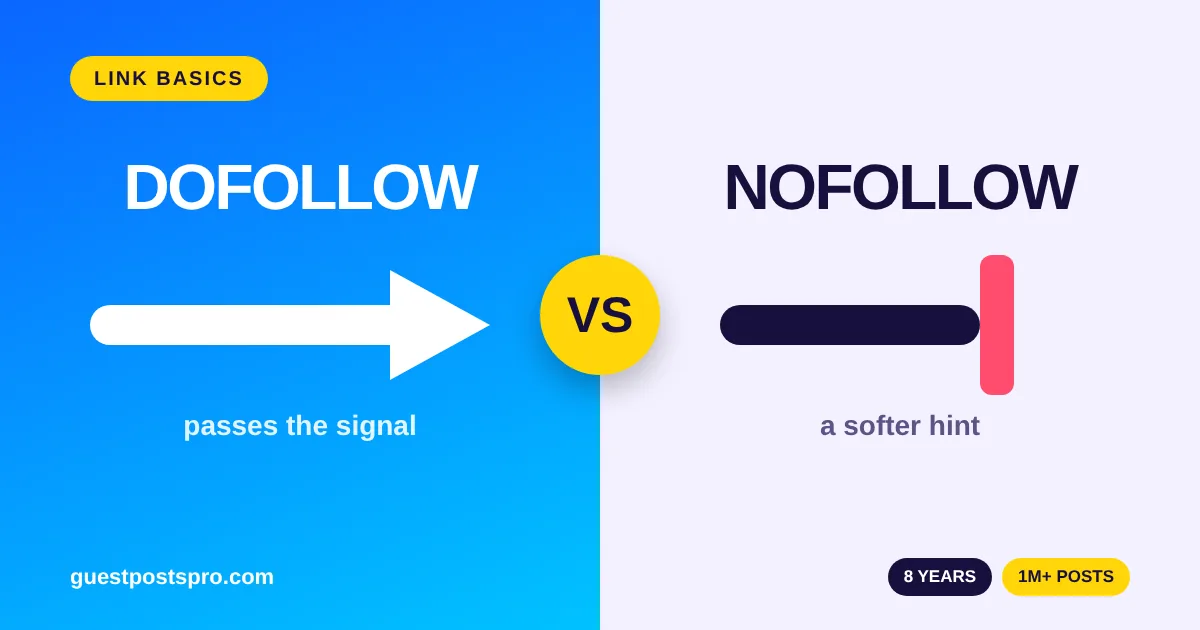
Dofollow vs nofollow is one of the first things people learn when they start building links, and it confuses almost everyone at the start. Both types of link look the same on the page. Both can send visitors to your site. But they send a different signal to search engines. This guide explains dofollow vs nofollow in plain words, shows when each one is useful and tells you why a natural mix is the safest way to build links.
We are Guest Posts Pro, run by GPP IT LTD. We have worked on guest posts for 8 years and have placed more than a million of them, so these questions reach us every day.
What Is a Dofollow Link?
A dofollow link is a normal link. It has no special tag, so search engines are free to follow it and count it as a signal. If a website links to you with a plain link, that link is dofollow by default. The word “dofollow” is just a nickname people use. You will not find it in the code.
In simple terms, a dofollow link tells search engines: “this page is worth a look”. Many links of this kind from trusted, relevant websites can help a page earn more trust over time.
What Is a Nofollow Link?
A nofollow link carries a small tag in its code that tells search engines to be careful with it. The tag looks like this:
<a href="https://example.com" rel="nofollow">Example</a>
Website owners use nofollow when they do not want to vouch for the page they link to. Common examples are links in comments, forum posts, ads and some paid placements. A nofollow link can still send real visitors to your site, even if it passes less signal to search engines.
Dofollow vs Nofollow: The Simple Difference
Here is the dofollow vs nofollow comparison in one place.
- Code: a dofollow link has no extra tag. A nofollow link has
rel="nofollow". - Signal to search engines: a dofollow link is a normal vote of trust. A nofollow link is a softer hint that says “do not count this as a vote”.
- Visitors: both types can bring readers who click through to your page.
- Typical places: dofollow links appear in normal articles and editorial content. Nofollow links appear in comments, forums, ads and user profiles.

Sponsored and UGC Links
Nofollow is no longer the only tag. Google also supports rel="sponsored" for paid or advertising links, and rel="ugc" for user-generated content such as comments and forum posts. Google treats all three tags as hints, not strict commands. You can read the details in Google’s guide on how to qualify outbound links.
It is worth knowing that Google’s own guidance says links that are paid for or that are advertising should be marked with sponsored or nofollow. Keep this in mind when you plan your link building, and choose sites and link types you are comfortable with.
Is Dofollow Better Than Nofollow?
Many people think dofollow always wins. The truth is more balanced. A dofollow link from a strong, relevant website is valuable. But a nofollow link from a popular website can also bring real visitors, build your name and make your link profile look natural.
A link profile made only of dofollow links looks unnatural. Real websites earn a mix of both types, because real people link to them in many different ways. So the question is not “which one is better?” The better question is “does this link come from a real, relevant website that my readers would trust?”
When to Use Each Type
Use dofollow links when
- the link sits inside a helpful article on a relevant, real website;
- the website has real readers and clear editorial standards;
- the link fits naturally into the sentence.
Use nofollow links when
- you comment on blogs or take part in forums;
- you add links in profiles or on social sites;
- you want to link to a page without passing it a signal of trust.
How Many Dofollow Links Should a Guest Post Have?
Fewer is better. A guest post that has many links looks pushy, and editors dislike it. Our rule is simple: no more than 2 dofollow links in a guest post, written with 500 words or more of unique content. You can read all of our rules on the guest post guidelines page.
How to Check If a Link Is Dofollow or Nofollow
You do not need special tools. Follow these steps:
- Open the page that contains the link.
- Right-click the link and choose Inspect.
- Look at the code. If you see
rel="nofollow",rel="sponsored"orrel="ugc", the link is qualified. If there is noreltag, it is a normal (dofollow) link.
Free browser extensions can also highlight nofollow links on any page, which saves time when you check many links.
Common Mistakes With Dofollow vs Nofollow
- Chasing only dofollow links. A natural profile has both types.
- Ignoring relevance. A dofollow link from an unrelated website adds little value.
- Using too many links in one post. Two good links are better than five weak ones.
- Judging a link only by its tag. A nofollow link on a busy, trusted website can be worth more than a dofollow link on a dead one.
Common Myths About Dofollow vs Nofollow
Myth 1: Nofollow links are useless
A nofollow link can still send real visitors, introduce your brand and help people find you. Many popular websites use nofollow on all their outside links, and those links still bring readers.
Myth 2: More dofollow links always means higher rankings
Rankings depend on many things, such as the quality of your content, the relevance of the sites that link to you and how natural your link profile looks. A pile of weak dofollow links does not fix a weak page.
Myth 3: You can tell a good link by its tag alone
The tag is only one clue. A link on a real, relevant website with real readers is worth more than a link on a hidden page, whatever the tag says. Always judge the page, the site and the topic first.
Dofollow vs Nofollow in Guest Posting
When you buy guest posts, ask what kind of link you will get and how many links the article allows. A clear answer shows that the seller knows the topic. You can compare real websites and prices on our guest post sites list. If you are new to buying links, read our guides on how to buy guest posts safely and on guest post price. You can also see what each package includes on our services and pricing page.
Dofollow vs Nofollow: FAQ
Do nofollow links help SEO?
They can help in indirect ways. A nofollow link can bring visitors, build your brand and make your link profile look natural. It may pass less direct signal than a dofollow link.
Is a dofollow link always better?
No. A dofollow link from a weak or unrelated site can be worth less than a nofollow link from a popular, relevant site. Relevance and real readers matter most.
Can a website have only dofollow links?
It can, but it looks unnatural. Real websites get a mix of dofollow and nofollow links over time.
What is a sponsored link?
A sponsored link uses the tag rel="sponsored" and is meant for paid or advertising links. More answers are on our guest post FAQ page.
Final Thoughts
Dofollow vs nofollow is simple once you see the difference. A dofollow link is a normal link. A nofollow link carries a tag that tells search engines to be careful. Both are useful, and a natural mix of both is healthy. Focus on real, relevant websites and helpful articles, and let the link type follow from that.
Want help choosing sites for your next link? Contact us and our team will help you pick the right one.